 HELP PAGE
This is the HELP page , here we cover the basics on how to navigate inside “bowieontape” , if you don’t find an answer to your problem please send us a message, you can use the contact form or follow the link from the CONTACT page that points to our Facebook page. Go to CONTACT page.
1) THE MAIN MENU

The above MENU is the starting point of your visit to the different sections of the site, when you click on one of the links it will take you to the relative page/section. the MAIN MENU is located on the top of every page.
2) THE INFO/FEEDBACK MENU

This set of hyper links work the same way as the MAIN MENU links, from here you can learn about the latest updates, contact the staff and also access this HELP page, plus other pages like the “THE COLLECTOR” page.
3A) NAVIGATION (Between pages)
 This cassette ICON/IMAGE is the main BACK button, “BACK” meaning that it will take you to the previous page you came from, regardless if it’s a main menu or submenu. Click on the image to go back.
3B) NAVIGATION (Hyper links to content; IE Cassettes)

Usually this is how the links to content look like, the title comes after a bulleted list marker followed by the hyper link, in this case the hyper link is the light blue text that indicates the NATION, in other instances it could be the LABEL or the whole TEXT line.
3C) NAVIGATION (Image links in the Official albums pages)
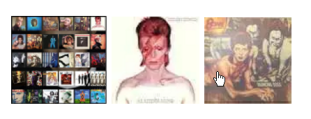
You will find these image links in the official albums pages, as an example this is the link panel from PINUPS, from left to right: The multi album Image points to the MAIN album page, the Aladdin Sane link goes one page back , the diamond Dogs image links to the next page (Diamond Dogs).
4) Understanding cassette Title/Headings
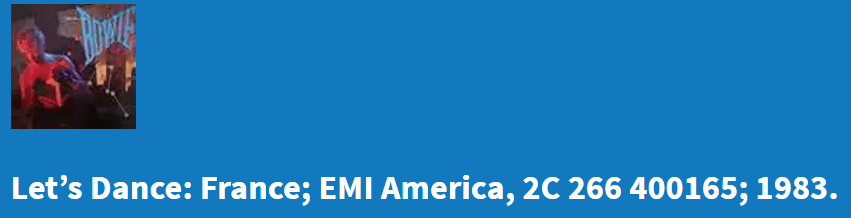
The example in the following image is taken from the Official French LET’S DANCE cassette page. This is the configuration (from left to right) TITLE/NATION/LABEL/CATALOGUE NUMBER/YEAR. In case the catalogue number and/or Year is missing then it could mean that they are unknown or completely missing.
 bowieontape